Turn ideas intoReels ads that look shot
Text, voice, a page URL, or stills. Vertical Reels ads or YouTube widescreen with sound — in a few minutes. Start with 15 free credits.
- 15 free credits
- 9:16 or 16:9 with sound
- Ready in a few minutes

Pay only for what you generate — credits by second and model.
- Seedance Mini1 cr/s
- Veo Lite / Fast1 cr/s
- Seedance 2.52 cr/s
- Veo 3.14 cr/s
- Free starters0 credits
Ways to start
Bring an idea any way you like
Type, speak, paste a page, or attach stills — then generate a short clip.
Write a prompt
Describe the scene in plain language, in any language. Pick a model and duration when you are ready.
Record or upload voice
Describe a scene by microphone or a short voice note (up to 2 minutes). We transcribe it into the prompt — not the clip soundtrack.
Paste a page URL
Turn a public https page into an editable scene brief and optional stills. Choose a direction: brand film, product in use, or product hero — not a recording of the website.
Attach reference photos
Upload up to three stills so the model can match look, product, or character.
Made in Clipora
Product ads, local clips, YouTube B-roll
What Clipora is for. Open the studio to generate your own.
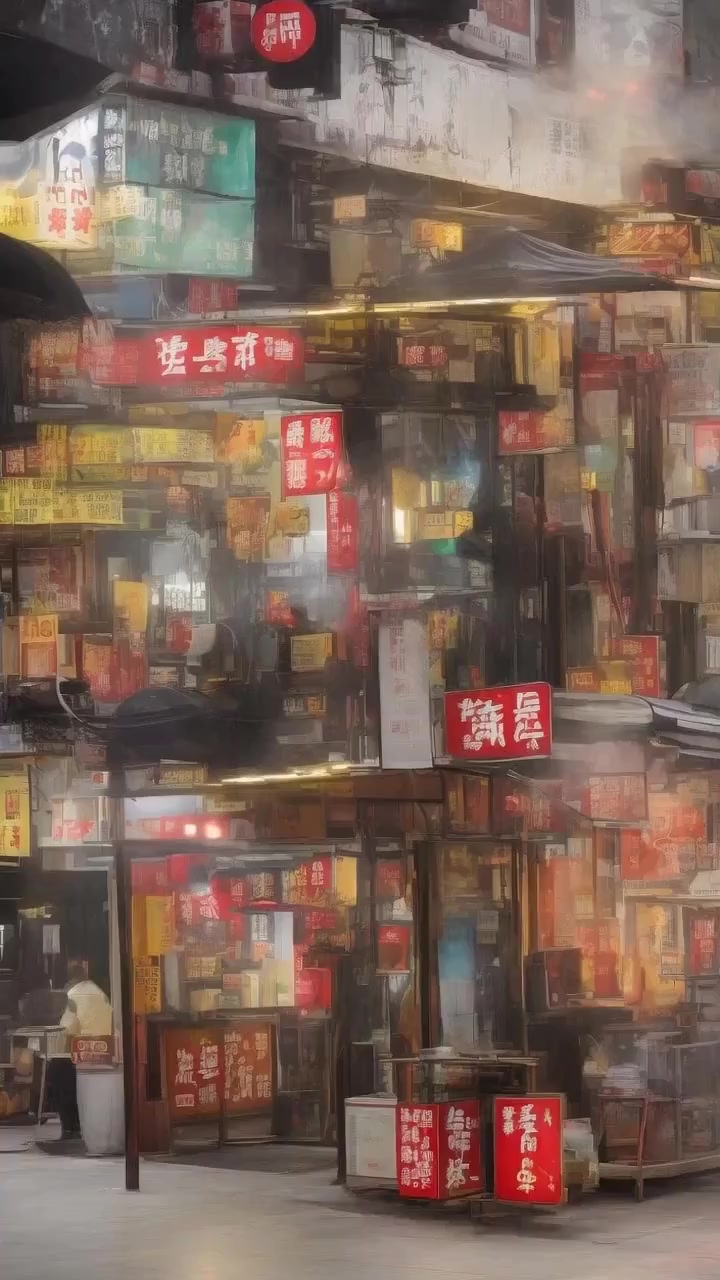
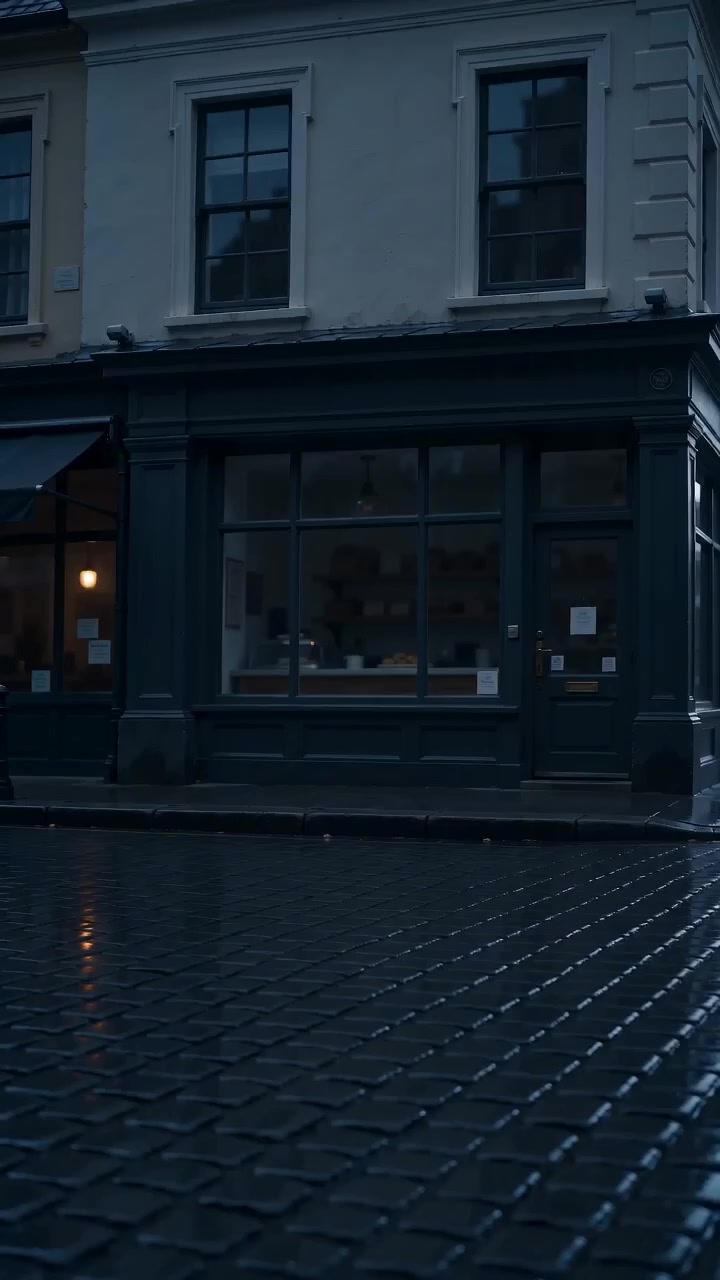
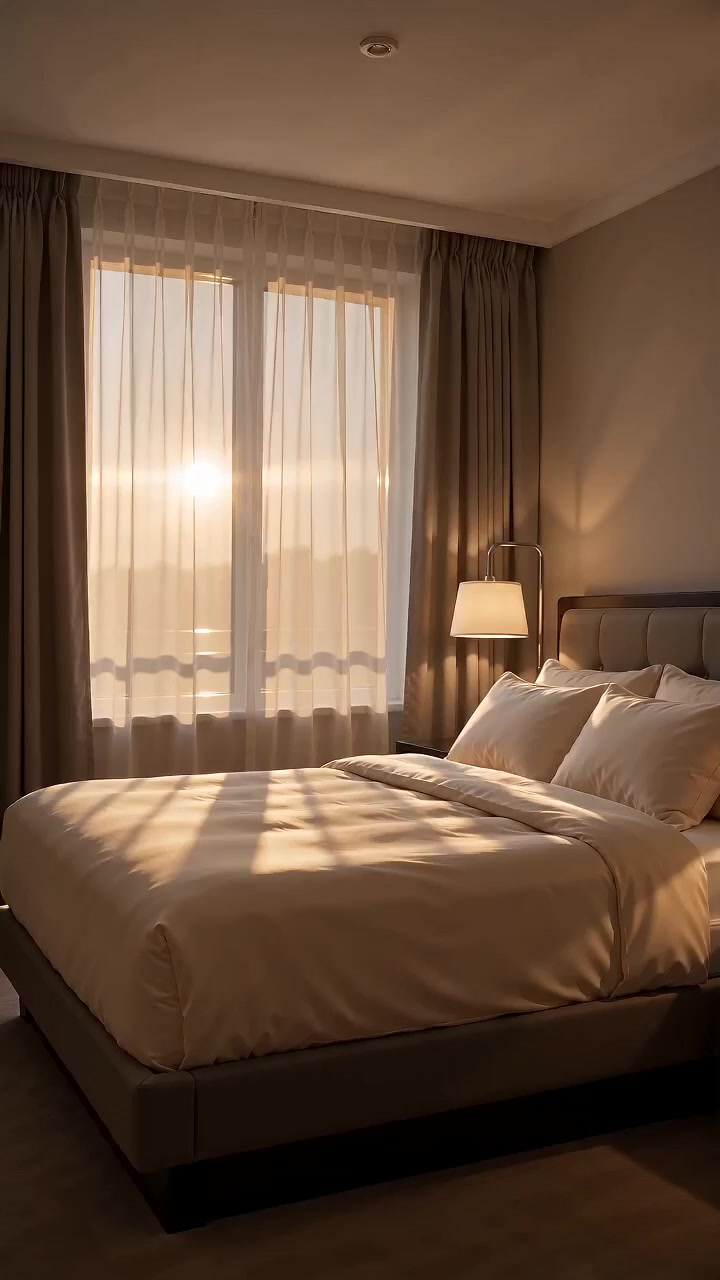
Product & local business
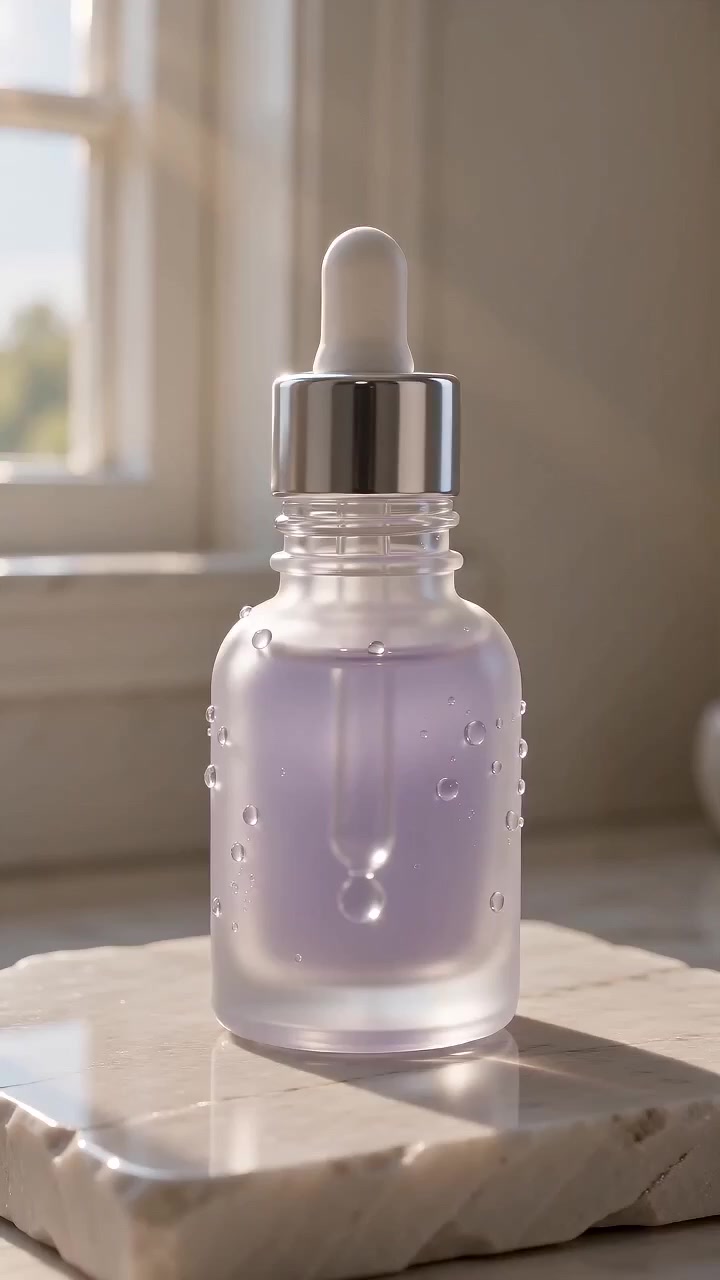
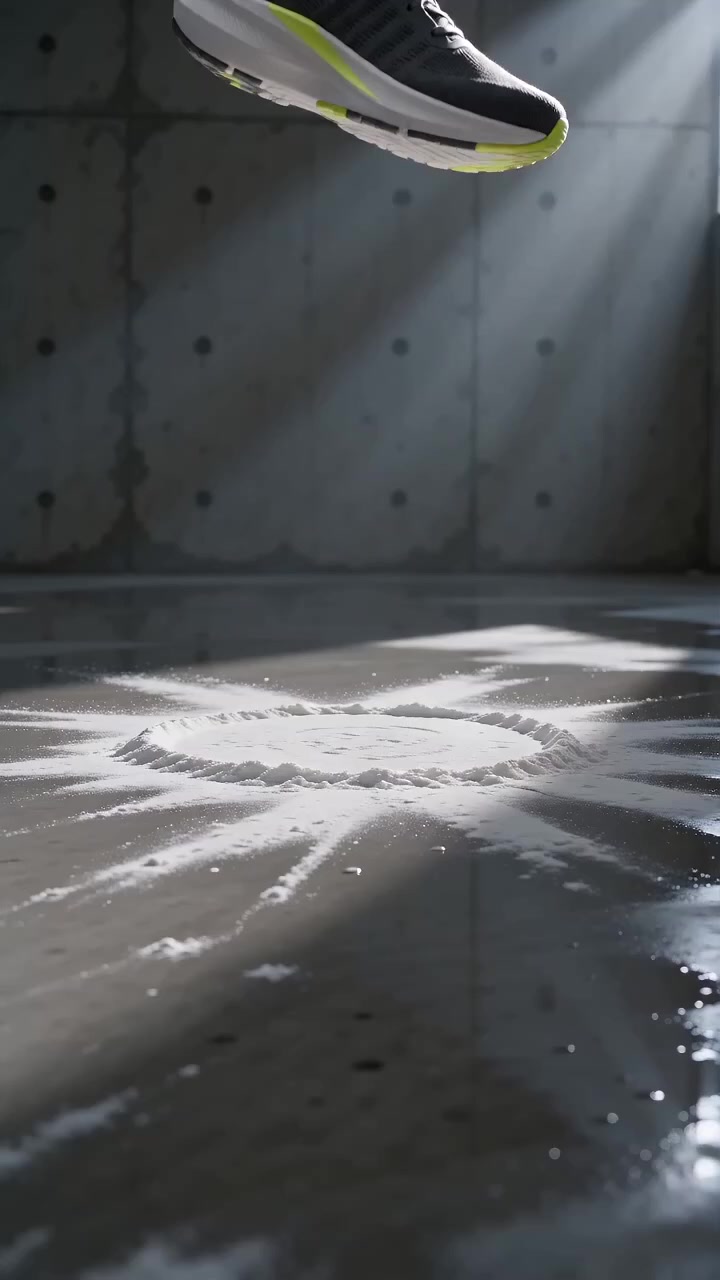
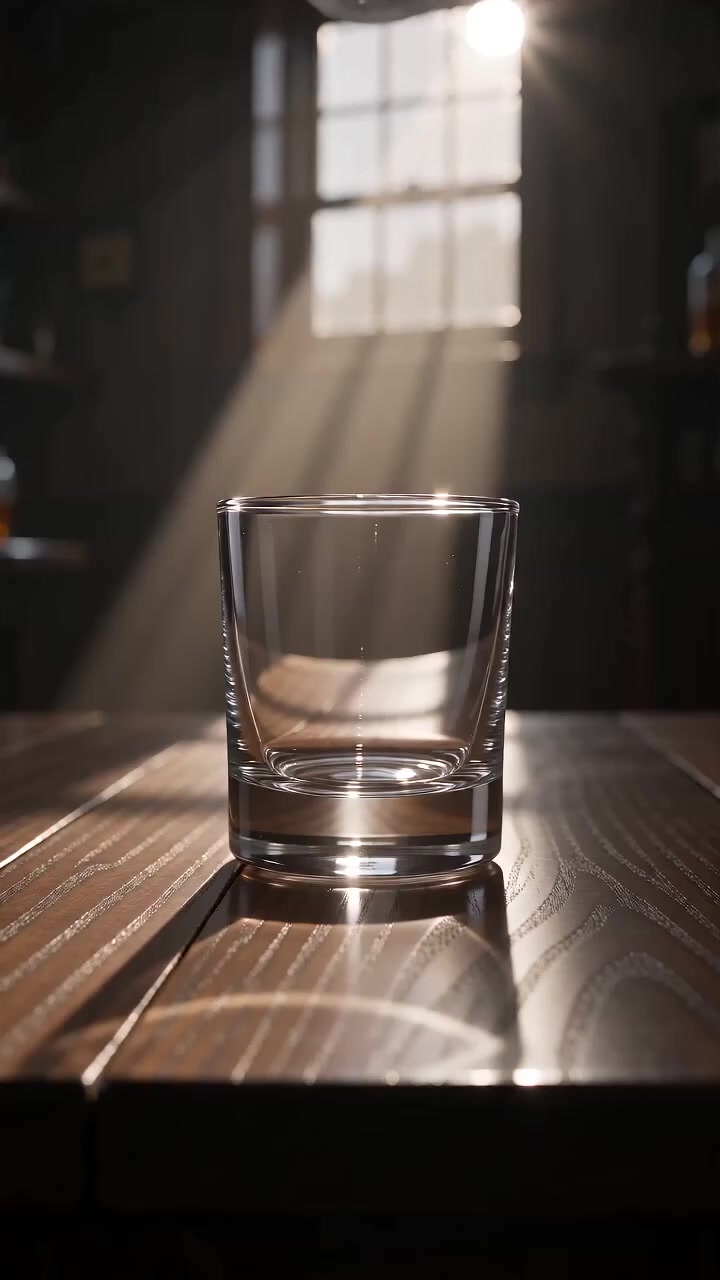
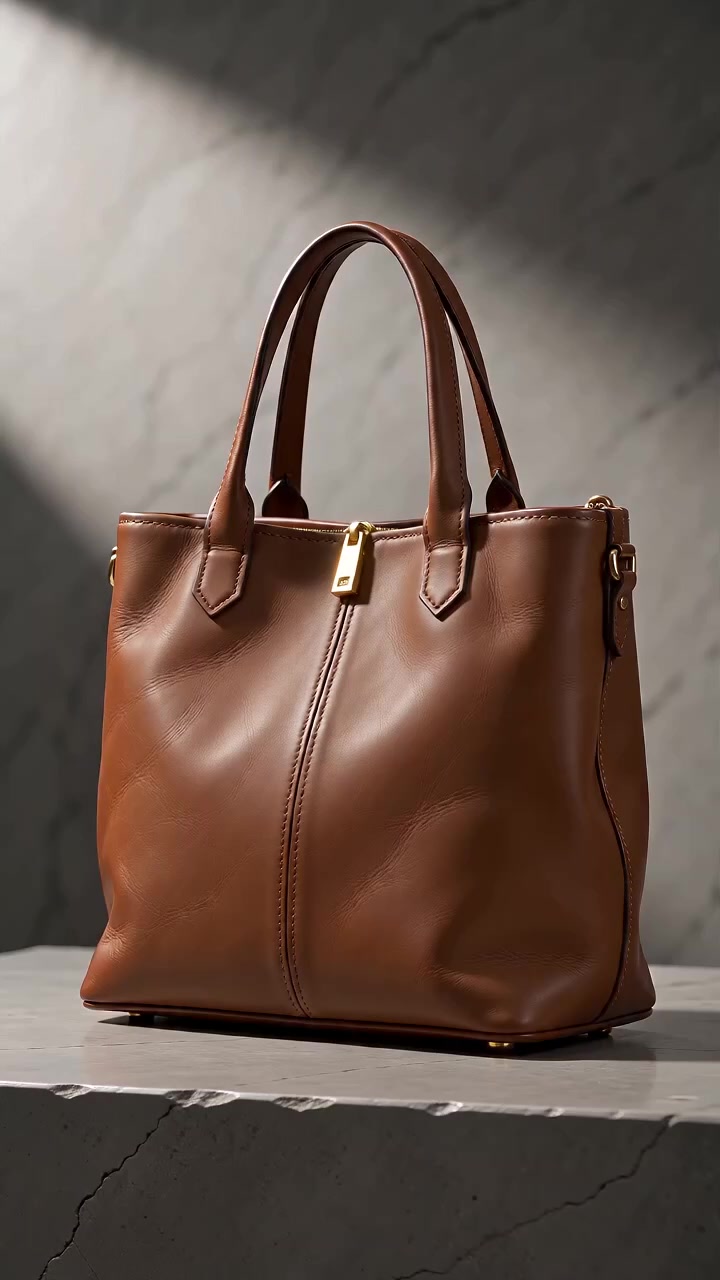
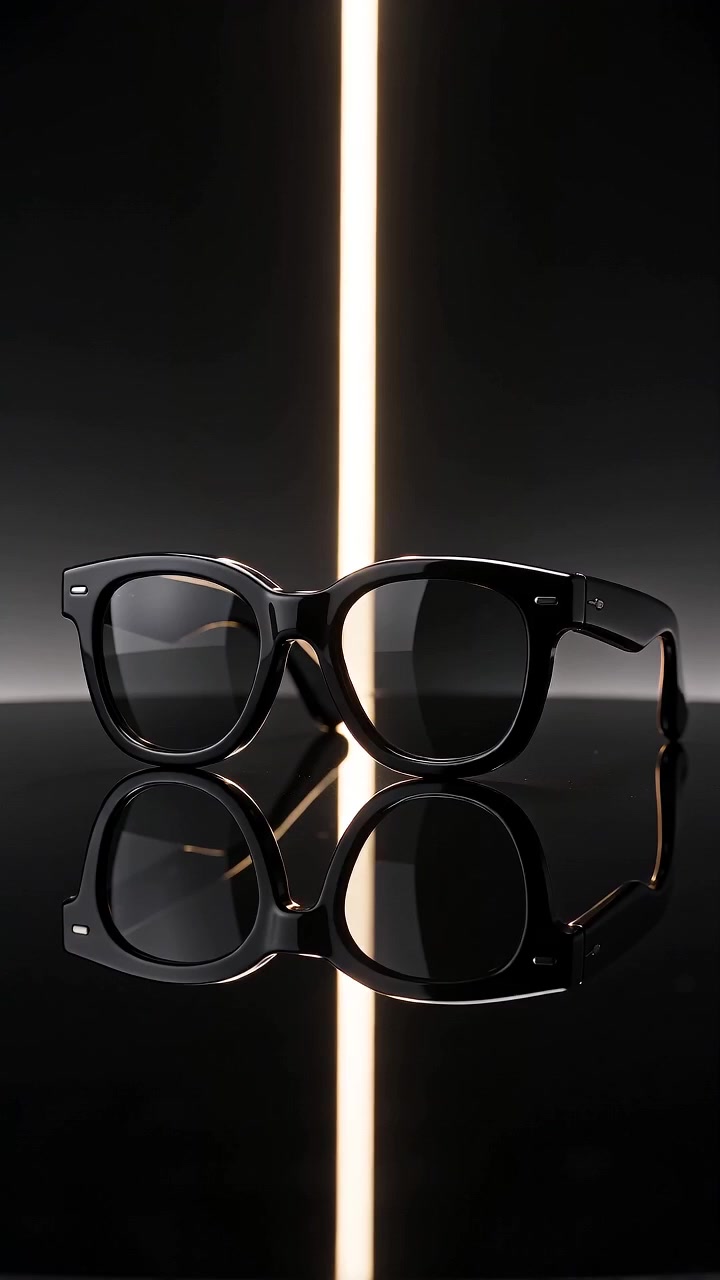
Skincare, watches, sneakers, devices — cafés, plates, storefronts, suites.
Creator & social
UGC energy, beauty, fitness, lookbook — built for Reels.


YouTube widescreen
Brand film, kitchen B-roll, resort, automotive — 16:9.

Beta
Two-speaker conversation videos
Describe a situation, review every line, then generate learner and partner voices with chapter stills — ready for YouTube packaging. German or English at create time.
Café order
EnglishYou
Could I get a cappuccino to go?
Partner
Of course — oat milk okay?
Approve the script before any audio or stills.
Learner and partner
A natural two-voice dialogue. Approve the script before any audio or images are generated.
German or English
Choose the spoken language when you create the project. Voices and packaging follow that choice.
YouTube packaging
Title, description, and thumbnail drafts alongside the video — built for upload, not just a rough cut.
Preview
Original music from a prompt
A 30-second clip for 3 credits, or a full track for 6. Download as MP3.
Turn songs into Reels videos
Modern R&B
Late-night 808s, falsetto hook, warm pads
Sunset country
Modern country, steel guitar, dusty highway groove, warm baritone
Latin pop
Upbeat Latin pop, reggaeton pulse, bright brass, catchy hook
Indie rock
Driving indie rock, crunchy guitars, big chorus, male vocal
How it works
Three steps to a clip
No timeline editor. Bring an idea, generate, download.
Bring an idea
Type, speak, paste a page URL, or attach photos. Optionally run free Improve on Seedance Mini before you generate.
Generate
Spend credits by duration and model. Sound is added in the pipeline — jobs usually take about four minutes.
Download
Preview in studio and save the MP4 — 9:16 for TikTok/Reels or 16:9 for YouTube — when the job completes.
Beta
Long video projects
Plan scenes, generate clips, and assemble one download — up to about two minutes.
- 1Outline the sequence before you spend credits.
- 2Each scene is its own short clip with sound.
- 3Stitch them into a single file when you are ready.
Opening
Product
Close
One MP4
~2 min
~2 min
Clipora is a web AI video studio at clipora.studio. It turns a text prompt—or voice, a public page URL, and up to three reference images—into a downloadable 9:16 or 16:9 MP4 with sound. Models include Seedance 2.0 Mini (up to 15s), Seedance 2.5 (up to 30s), and Google Veo 3.1 Lite/Fast/standard (up to 8s). Signed-in users can draft two-speaker conversation videos in German or English, generate original songs as MP3, and buy one-time USD credit packs (no subscription). New accounts get 15 free credits; unmodified vertical starters (8s or 15s, 9:16) cost no credits. Mini, Veo Lite, and Veo Fast are 1 credit per second; Seedance 2.5 is 2 credits/s; Veo 3.1 is 4 credits/s. The studio is available in English, German, and Chinese.
About Clipora
A studio for every screen
Short answers on clips, credits, songs, and conversations.
- What is Clipora?
- A browser studio at clipora.studio. Turn text, voice, a page URL, or up to three stills into a 9:16 or 16:9 MP4 with sound. Conversation videos and AI Songs are built in.
- Is Clipora free?
- New accounts get 15 credits. Unchanged vertical starters (8s or 15s, 9:16) cost nothing. Custom prompts, widescreen, references, or page drafts bill at duration × model rate.
- How long are clips, and what aspect ratio?
- 9:16 for Reels or 16:9 for YouTube. Up to 15s on Seedance Mini, 30s on Seedance 2.5, 8s on Veo. Clips include sound; most jobs finish in about four minutes.
- How do credits work across models?
- Mini, Veo Lite, and Veo Fast: 1 credit/s. Seedance 2.5: 2 credits/s. Veo 3.1: 4 credits/s. Conversations and songs use step-based costs—see Pricing. Totals show in Studio before you generate.
- Is there a subscription?
- No. Credit packs are one-time USD purchases. Credits stay on your account while it is active.
- Can Clipora generate original music?
- Yes. AI Songs turns a prompt into an original MP3—~30s (3 credits) or a full track (6 credits). Hear demos in the Songs section above.
- What are Conversation videos?
- Draft a two-voice learner/partner script in German or English, approve it, then generate voices, chapter stills, and YouTube title, description, and thumbnail.
Start with 15 free credits
Open the studio — type, speak, or paste a page — and generate your first Reels-ready clip with sound.
- ✓Text, voice, page URL, or photos
- ✓Free Improve for Seedance Mini
- ✓Clips with sound in a few minutes
- ✓Two-speaker conversations (German or English)
- ✓Credit packs when you need more